Over the Air (OTA) App Installation: Everything You Need to Know
By Afrah Saleem · · 4 min read
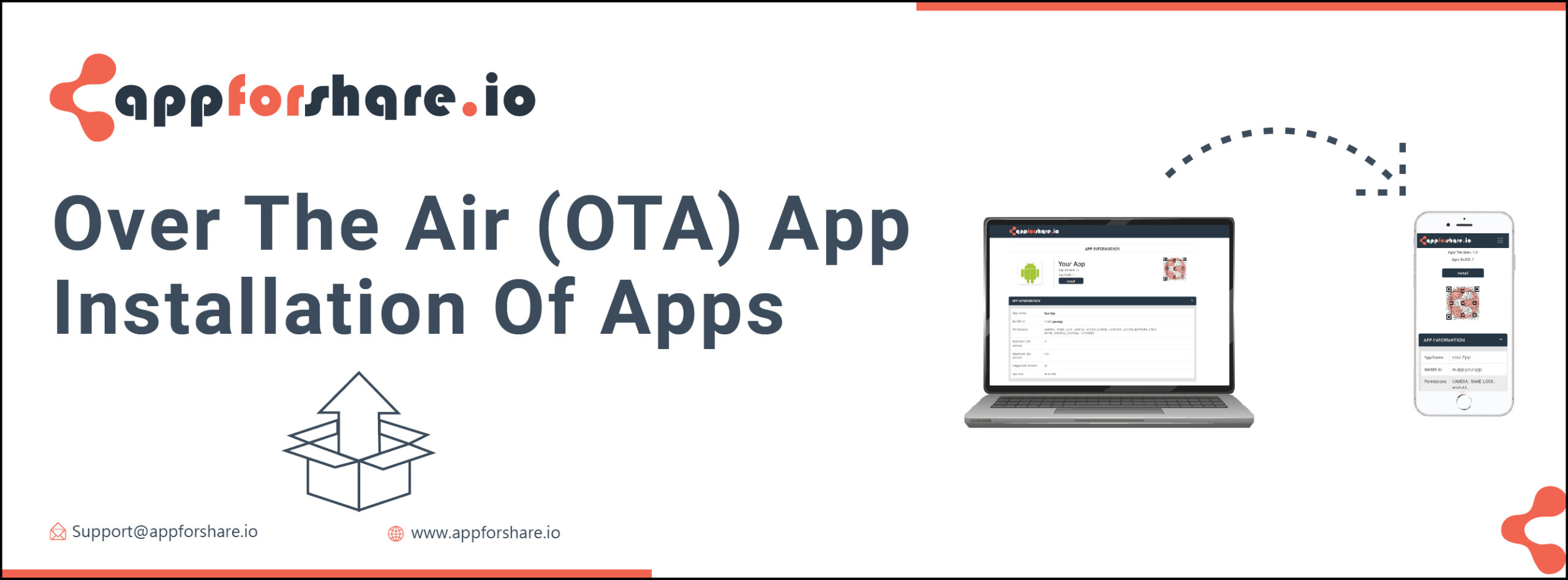
Over the air (OTA) app installation means installing an app on a phone directly from a link, over Wi-Fi or mobile data, without an app store and without connecting the phone to a computer. For mobile developers it is the standard way to get test builds to testers and clients before release.
This guide explains how OTA installation works on Android and iOS, what each platform requires, and how to set it up.
What does "over the air" mean?
The term covers any software delivered wirelessly: operating system updates, firmware for connected devices, and apps. When your phone downloads a new Android or iOS version in the background, that is an OTA update.
OTA app installation applies the same idea to individual apps. Instead of publishing to Google Play or the App Store and waiting for review, a developer hosts the build, sends a link, and the tester installs it from the phone's browser. It replaced older methods such as copying files over USB or syncing through iTunes.
How OTA app installation works on Android
An Android app is packaged as an .apk file. OTA installation on Android is simple:
- The tester opens a link to the .apk in the browser.
- The file downloads and the system installer opens.
- The first time, Android asks the tester to allow that browser to install unknown apps.
- The tester taps Install.
Android does not require the tester's device to be registered in advance. See How to enable unknown sources on Android for the permission step.
How OTA app installation works on iOS
iOS is stricter. Opening an .ipa file in Safari does nothing on its own. Instead, the install page uses a special link (itms-services://) that points to a small manifest file served over HTTPS. The manifest tells iOS the app's bundle ID, version, title and where to download the .ipa. iOS then downloads and installs the app.
iOS only completes the install if the build is signed for a distribution method that allows it:
- Ad Hoc: for up to 100 registered devices per device type per membership year. Each device's UDID must be in the provisioning profile.
- Development: also limited to registered devices, mainly for the development team.
- Enterprise: for organizations in the Apple Developer Enterprise Program, distributing to their own employees. The user must trust the developer in Settings before opening the app.
App Store and TestFlight builds cannot be installed from a link. On iOS 16 and later, Ad Hoc and Development builds also require Developer Mode to be turned on.
How to set up OTA app installation
You can host the files and write the iOS manifest yourself, but you need HTTPS, a valid manifest, correct content types and a way to manage links. A distribution service does this for you. With AppForShare the steps are:
- Build: export an .apk for Android, or an .ipa signed Ad Hoc, Enterprise or Development for iOS. For Ad Hoc, collect tester UDIDs first with the free UDID finder.
- Upload: upload the file at appforshare.io. AppForShare reads the app name, icon, bundle ID and version, and creates the install page and the iOS manifest.
- Protect: on the Free plan and above you can set a password on the link. On Team, private projects can only be opened by testers you invite.
- Share: send the link or let testers scan the QR code.
- Update: each new upload is a new build with its own link. On Pro you can upload from CI with an upload token and post new builds to Slack or Discord with webhooks. On Team, invited testers are emailed when a new build arrives.
For a full walkthrough, see How to use AppForShare to send .apk or .ipa files to your clients.
What OTA installation does not do
- It does not bypass Apple's signing rules. A device not in an Ad Hoc profile cannot install that build.
- It does not update installed apps automatically. Testers install each new build from its link.
- It is not meant for public release to millions of users. For that, use Google Play and the App Store.
Do I need to hire a developer to set up OTA?
No. If someone on your team can produce a signed build, anyone can upload it and send the link. The technical work is in signing the build correctly, especially on iOS. Hosting, the install page, the manifest and HTTPS are handled by the service.
Frequently asked questions
What is OTA app installation?
It is installing an app on a phone directly from a link over the internet, without an app store or a cable. Developers use it to share test builds with testers and clients.
Can any iOS build be installed over the air?
No. Only builds signed Ad Hoc, Enterprise or Development can be installed from a link. App Store and TestFlight builds cannot, and Ad Hoc builds only install on devices whose UDID is in the provisioning profile.
Does Android need any setting for OTA installs?
Yes, once. The tester allows the browser to install unknown apps the first time they open an APK from it.
How does AppForShare help with OTA installation?
You upload an .apk or .ipa, and AppForShare creates an install page with a link, a QR code and, for iOS, the manifest that over the air installs need. Testers open the link on their phone and install.


